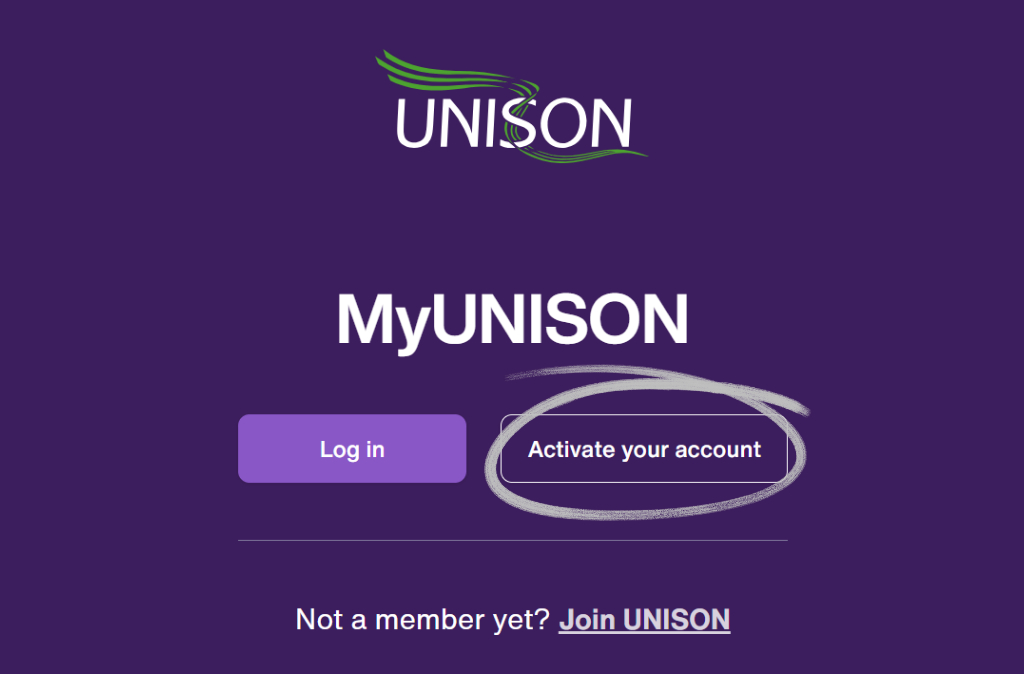
UNISON’s online system for managing your membership has had an upgrade
How to login
- Press the button above
- Even if you had a previous MyUNISON account, select ‘Activate your account’
- Input your personal or work email to create your new account
- You need your membership number – find it at the bottom of any email from central UNISON or our branch
- When accessing the site in future, select ‘Log in’ rather than ‘Activate your account’
The New Homepage
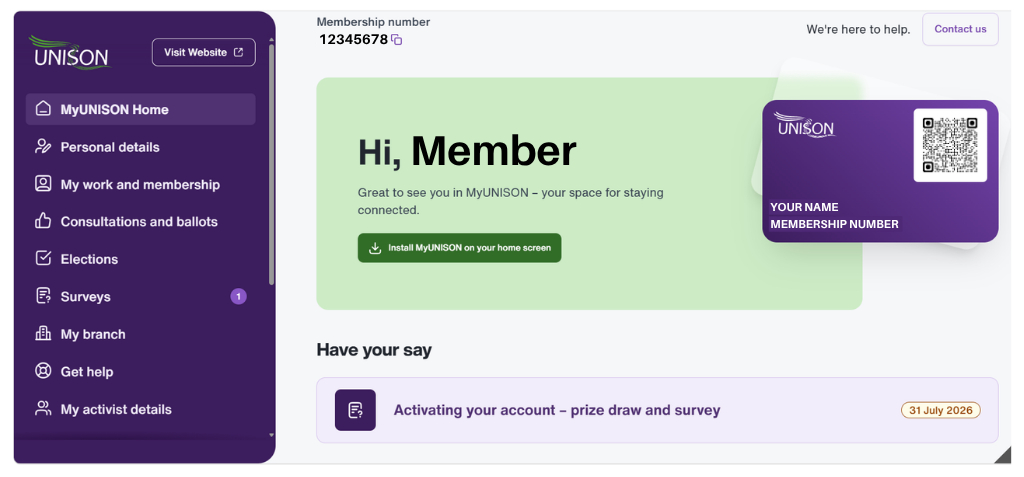
Use the purple panel on the next to navigate to each section.
The new sections
Here’s a run down of what we think are the best new features to utilise:
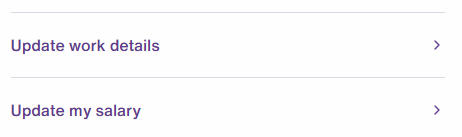
Select ‘My work and membership’ and scroll down to ‘My work details’
Here you can add your workplace (e.g. Great George St) to your account. This helps our branch map our membership more effectively.
You can also update your salary. If you are paying the wrong amount of subs, you won’t be able to receive legal support from unison if you had a workplace issue.
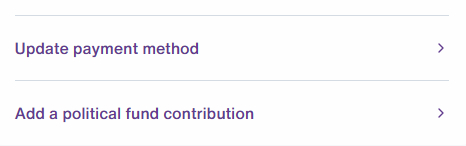
Select ‘My work and membership’ and scroll down to ‘My payments’
Here you can update your payment method to be DOCAS (taken pre-tax from your pay slip) rather than through direct debit.
You can also add or remove your political and campaign fund contribution. UNISON members are automatically opted in to give a contribution to the Labour party – you can now opt out of this more easily.
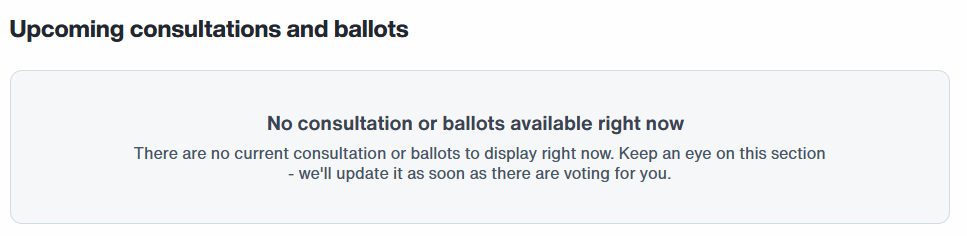
Select ‘Consultations and ballots’
We’re very excited by this section! Since it’s no longer law that trade union votes have to happen via post, it looks like this will be a hub for voting in ballots for things like taking industrial action.